Skip to main content
How do I redeem promotional & driving credit?
Redeeming Driving Credit
Android & iOS
- Login to your account on the Zipcar app
- From the bottom menu, select Account
- Select Wallet in the account settings and then Driving credit
- Select the + icon in the top right-hand corner
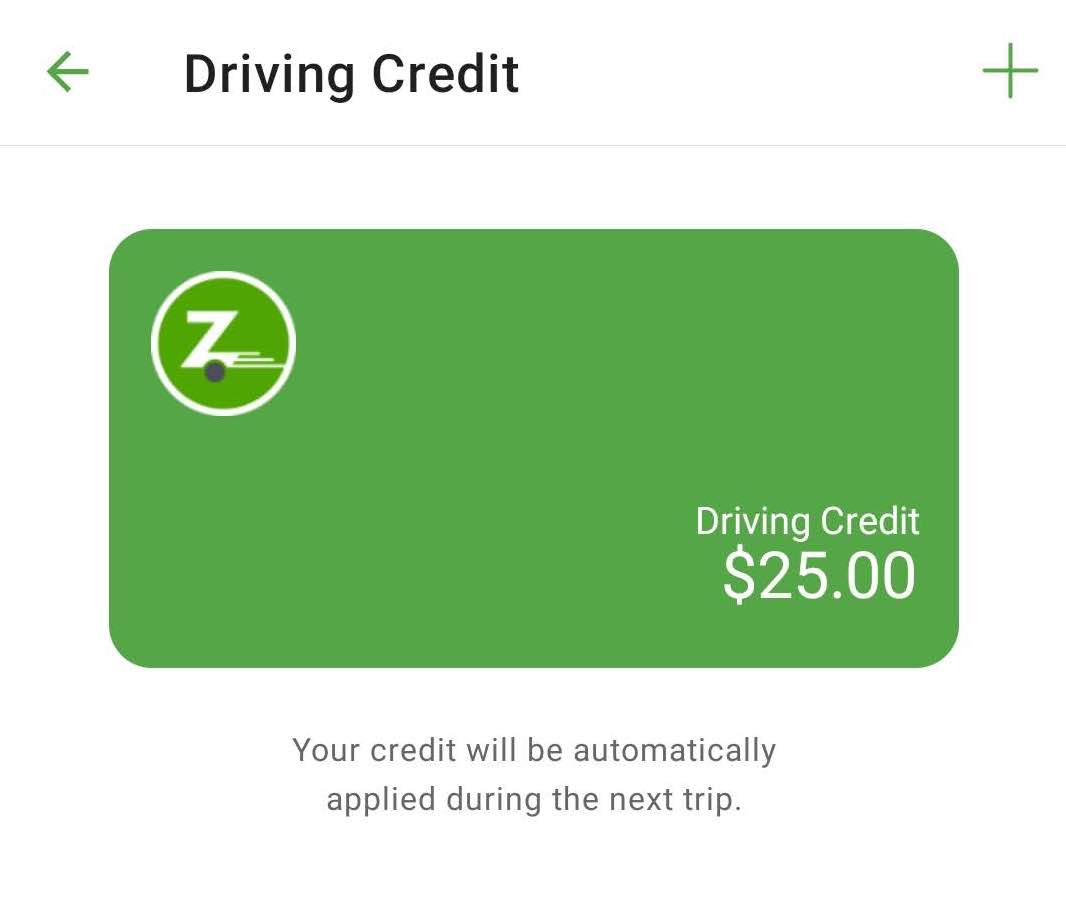
- Enter the credit code and select Redeem
Zipcar Website
- Login to your account on the Zipcar website
- Select Account settings from the top right & select Wallet
- Select Add credit
- Enter the credit code and select Redeem
Redeeming Booking Promotions
- Login to your account on the Zipcar app or website
- On the booking checkout screen, select Add promo code
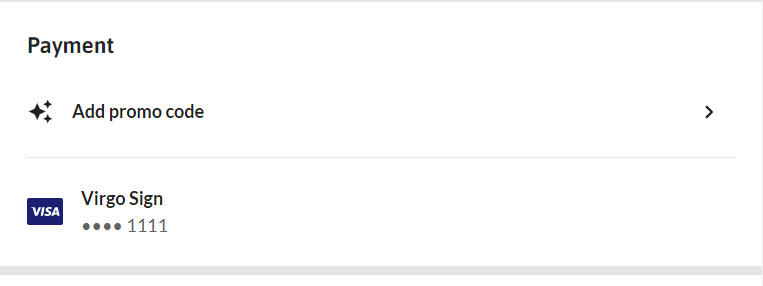
- Input a promo code or select from available promotions in your inventory
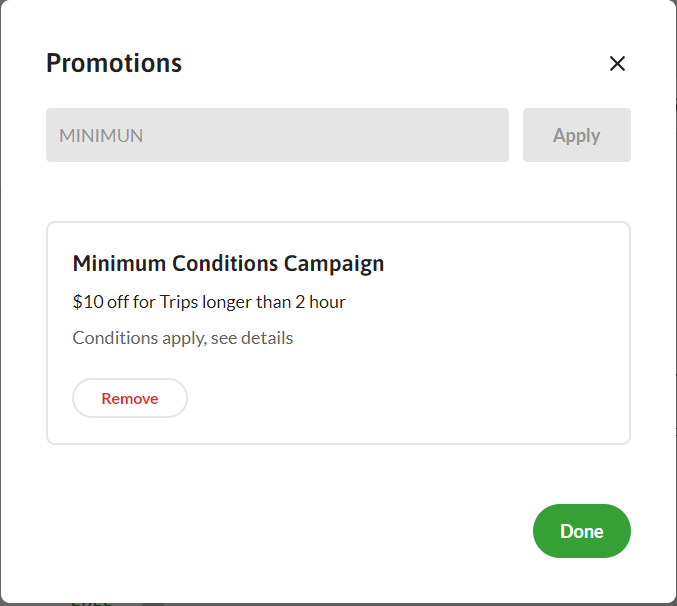
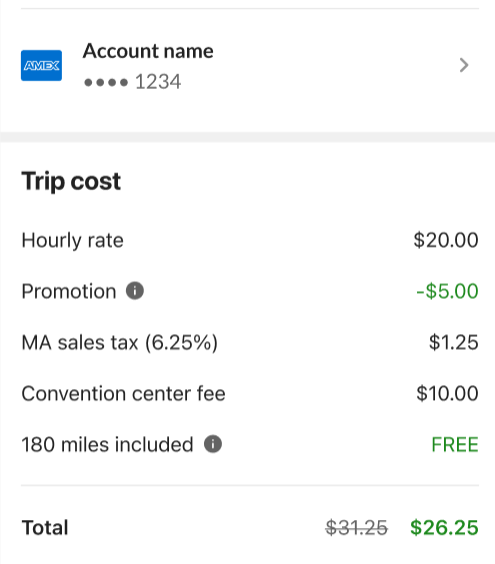
- If the booking meets the promotion criteria, the discount will be applied to the cost of your booking

Comments
0 comments
Article is closed for comments.